There’s a specific kind of “developer zen” that happens at 2 AM. You’re deep in the terminal, the coffee is cold, and the only thing moving is your cursor. For years, AI was an intruder in that space. To get help, you had to break the flow: Alt-Tab, paste the error into a browser, wait for a response, copy it back, and realize you forgot to provide the context of the utils.ts file.
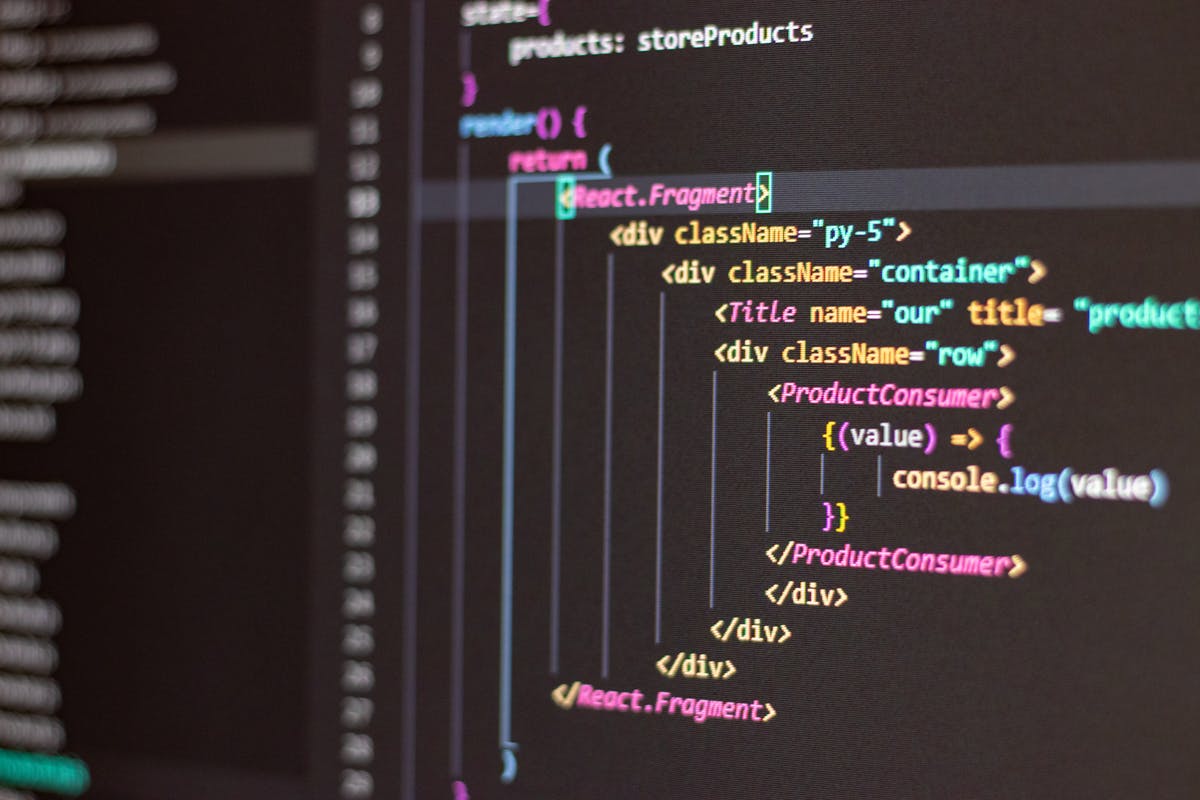
The friction was real. But we’ve entered a new era. We aren’t just “chatting” with LLMs anymore; we are inviting them into our local environments. This is the world of the Claude Code ecosystem, and if you haven’t integrated it into your CLI yet, you’re essentially coding with one hand tied behind your back.
The Core Pillars: More Than Just a Model
When we talk about “Claude Code,” we aren’t just talking about Claude 3.5 Sonnet (or its successors). We are talking about a tightly coupled ecosystem of protocols, interfaces, and agentic behaviors that turn a language model into a workspace collaborator.
1. The CLI: The Resident Engineer
The star of the show is the Claude Code CLI. Unlike a web interface, the CLI has agency. When you run it in your project root, it doesn’t just guess what’s in your package.json—natively, it reads it. It explores your directory structure, indexes your files, and, most importantly, it can execute.
It feels less like a search engine and more like a junior dev sitting next to you who happens to have read every documentation page ever written. You give it a command like claude "Refactor the authentication middleware to use JWT instead of sessions," and it doesn’t just give you a code block. It creates a plan, edits the files, runs the tests to see if it broke anything, and then asks for your review.

2. MCP: The Universal Translator
The “secret sauce” of the Claude ecosystem is the Model Context Protocol (MCP). This is arguably the most significant advancement in AI developer experience (DX) since the transformer itself.
Before MCP, if you wanted Claude to know about your Jira tickets or your local PostgreSQL schema, someone had to write a custom, brittle integration. MCP standardizes this. It’s an open-source protocol that allows Claude to connect to any data source—Google Drive, Slack, GitHub, or even your local file system—using a unified interface. It turns Claude from an isolated brain into a hub that can pull context from everywhere.
Why the “Vibe” Matters: The Claude Difference
Tech people often talk about “vibe” as a proxy for nuance. While other models might be more “aggressive” in their code generation—often hallucinating libraries or writing overly verbose boilerplate—Claude has earned a reputation for precision.
The Claude Code ecosystem is designed for iterative refinement. It’s built on the realization that 90% of coding isn’t writing new files; it’s debugging, refactoring, and understanding legacy spaghetti. Claude’s ability to follow complex, multi-step instructions without losing the thread is what makes it a viable CLI tool. It doesn’t just “output code”; it “reasons through the diff.”
The “Spontaneous” Reality: Breaking the Workflow
Let’s be real: we are lazy. If a tool requires five minutes of setup every time I want to use it, I won’t use it. The beauty of the current ecosystem is the improvisational nature of it.
You’re in the middle of a bug hunt. You’re frustrated. You type claude "Look at the last three commits, find where the memory leak started, and fix it." You didn’t have to prepare a prompt for twenty minutes. The tool uses the existing git history as context. This spontaneity is what keeps you in the Flow State. You aren’t managing the AI; you are collaborating with it.
Practical Application: The PM Bridge
While we love the technical wizardry, we have to talk about the “Business of Code.” This is where the Claude Code ecosystem becomes a secret weapon for Project Management.
In a traditional setup, there is a massive “Context Gap” between the Project Manager (PM) and the Developer. The PM lives in Jira; the Dev lives in Neovim or VS Code. Claude acts as the bridge.
- Automated Requirement Mapping: By using MCP to connect to Jira, Claude can analyze a ticket and compare it against the current codebase. It can tell a PM, “This feature will require changes in these four modules, which haven’t been touched in two years and are highly coupled. The ‘Small’ estimate is actually a ‘Large’.”
- Documentation as a Living Organism: We all hate writing docs. With Claude Code, documentation can be generated post-facto based on what was actually shipped. It can summarize a week’s worth of complex commits into a high-level “Project Health” report that a stakeholder can actually understand.
- The “Janitor” Effect: Project management often fails because the backlog is a graveyard. Claude can be tasked to “Scan the last 50 tickets and find duplicates or tasks that have already been solved by recent PRs.” It keeps the project board clean without human intervention.
For a PM, Claude isn’t just a bot; it’s an observer that can translate the chaos of a git repo into the structured data needed for a sprint review.
The Future: Agentic Workspaces
We are rapidly moving toward a future where the “IDE” is just a thin wrapper around an agentic ecosystem. In this future, the Claude Code CLI won’t just be an “extra” tool; it will be the primary way we interact with our computers.
We are seeing the rise of multi-agent orchestration. Imagine a scenario where one Claude instance is focused on writing tests, another is optimizing SQL queries, and a third is ensuring that every line of code complies with the project’s architectural guidelines—all coordinated through the terminal.
Wrapping Up
The Claude Code ecosystem isn’t about replacing the programmer; it’s about removing the plumbing. It’s about getting rid of the boilerplate, the manual context-shifting, and the “I forgot how this API works” interruptions. It’s professional because it’s powerful, but it’s improvisational because it’s flexible.
Frequently Asked Questions
What is Claude Code and how does it differ from ChatGPT?
Claude Code is an AI coding assistant that operates both through chat interfaces and terminal environments. Unlike ChatGPT, which is primarily conversational, Claude Code is specifically optimized for software development tasks—it can read codebases, execute commands, edit files, and integrate directly into developer workflows through CLI tools.
Can I use Claude Code in my terminal?
Yes. Claude Code offers terminal integration through the Claude CLI, allowing you to invoke AI assistance directly from your command line. You can pipe commands, automate workflows, and integrate Claude into scripts. This terminal access provides more control and automation capabilities compared to web-based chat interfaces.
Is Claude Code free to use?
Claude Code has both free and paid tiers. The free tier provides limited access to Claude through chat interfaces. For terminal access, API usage, and higher rate limits, you’ll need a Claude Pro subscription or API credits. Enterprise teams can access Claude through Anthropic’s API with custom pricing.
How do I integrate Claude Code into my development workflow?
Start by installing the Claude CLI tool and authenticating with your API key. You can then use Claude in several ways: direct terminal commands for quick questions, shell scripts for automation, editor integrations (VS Code, Vim), or CI/CD pipelines for code review. The key is choosing the right interface for each task—chat for exploration, CLI for automation.
What are the main limitations of Claude Code?
Claude Code has context window limits (though large), rate limits on API calls, and cannot execute arbitrary code without your approval. It also lacks real-time internet access and may not have knowledge of very recent frameworks or libraries. For production systems, always review AI-generated code and test thoroughly before deployment.

If you’re still copy-pasting code into a browser window, you’re living in 2023. It’s time to move into the terminal. The water is fine, and the AI is already there waiting for you.